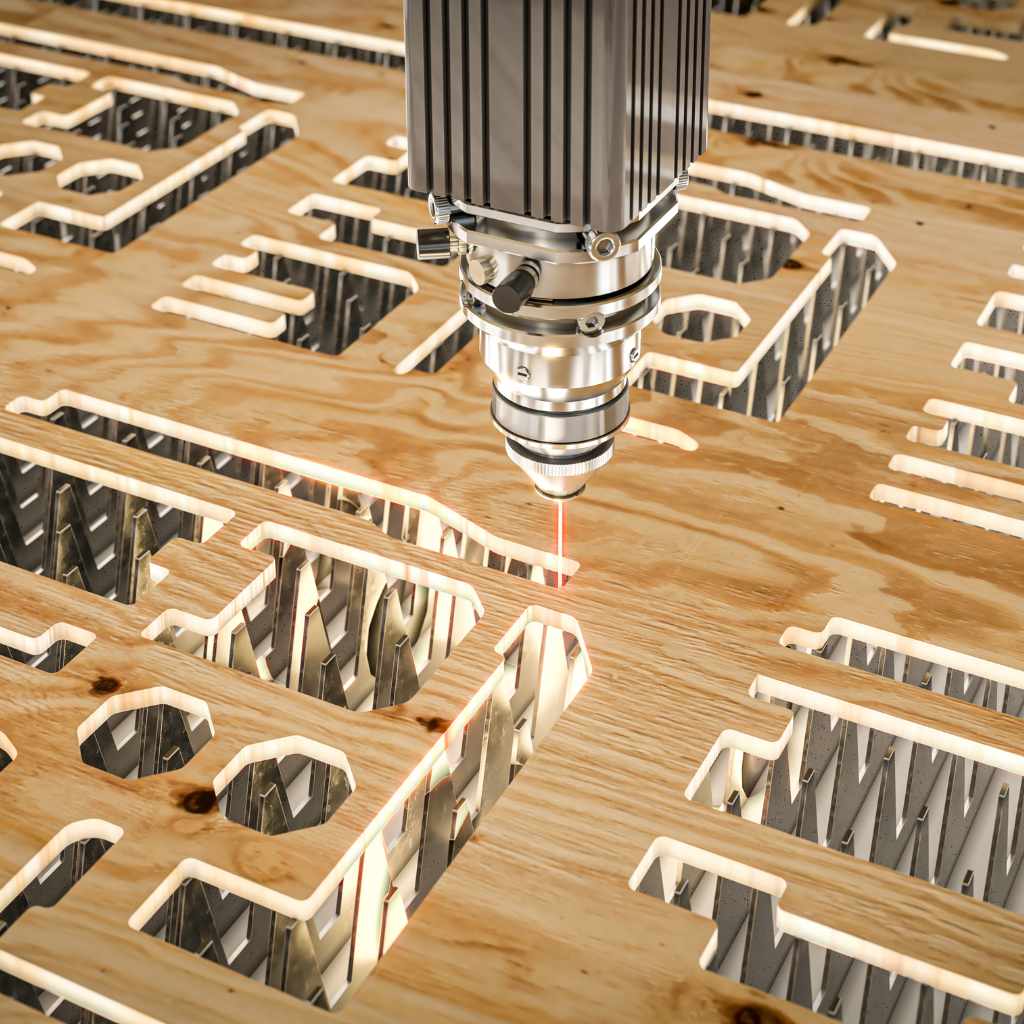
How Do You Laser Cut Wood? Complete Guide
Laser cutting wood uses a focused beam to precisely slice through material for custom shapes and engravings. Beginners can start with a CO2 laser, softwoods like basswood, simple software, and safe settings for clean, professional results without advanced skills.
Hey there, fellow DIYer! If you’re new to woodworking, laser cutting might seem a bit scary at first. Maybe you’ve seen charred edges or worried about ruining good wood. It’s a common hurdle, but trust me, it’s simpler than it looks. With clear steps and a little practice, you’ll be creating beautiful pieces in no time. This guide breaks it all down for you, from picking wood to finishing your project. Stick with me, and you’ll feel confident tackling your first cut. Up next, let’s cover the basics of how laser cutting works.
Understanding Laser Cutting for Wood
Laser cutting is a fantastic way to add precision to your woodworking projects. It uses a high-powered laser beam to vaporize wood along a programmed path, creating clean cuts or detailed engravings. Unlike traditional saws, there’s no blade contact, so you get smooth edges without splintering.
This technique is perfect for hobbyists because it’s fast and accurate. You can make intricate designs that would be tough with hand tools. Plus, it’s rewarding to see your ideas come to life quickly.
Most wood laser cutters are CO2 types, which work well on organic materials like wood. They range from small desktop models to larger workshop machines. If you’re just starting, a beginner-friendly option will do the trick.
For more on how lasers work, check out this beginner’s guide from Maker Design Lab.
Essential Tools and Equipment
To get started, you’ll need a few key items. Don’t worry— you don’t have to spend a fortune. Focus on quality basics that fit your space and budget.
- Laser Cutter: Go for a CO2 laser with at least 40W power for wood. Brands like Glowforge or xTool are great for beginners.
- Software: Free options like Inkscape or LightBurn let you design and control the cutter.
- Ventilation System: An exhaust fan or air filter to remove smoke and fumes.
- Safety Gear: Goggles rated for your laser’s wavelength, gloves, and a fire extinguisher.
- Measuring Tools: Ruler, calipers, and tape for precise setups.
Here’s a simple table comparing beginner laser cutters:
| Model | Power | Work Area | Price Range |
|---|---|---|---|
| Glowforge Basic | 40W | 11″ x 20″ | $2,000–$3,000 |
| xTool D1 | 10W–40W | 17″ x 16″ | $300–$800 |
| OMTech 40W | 40W | 8″ x 12″ | $400–$600 |
Pick one that matches your project size. Remember, start small and upgrade as you gain experience.
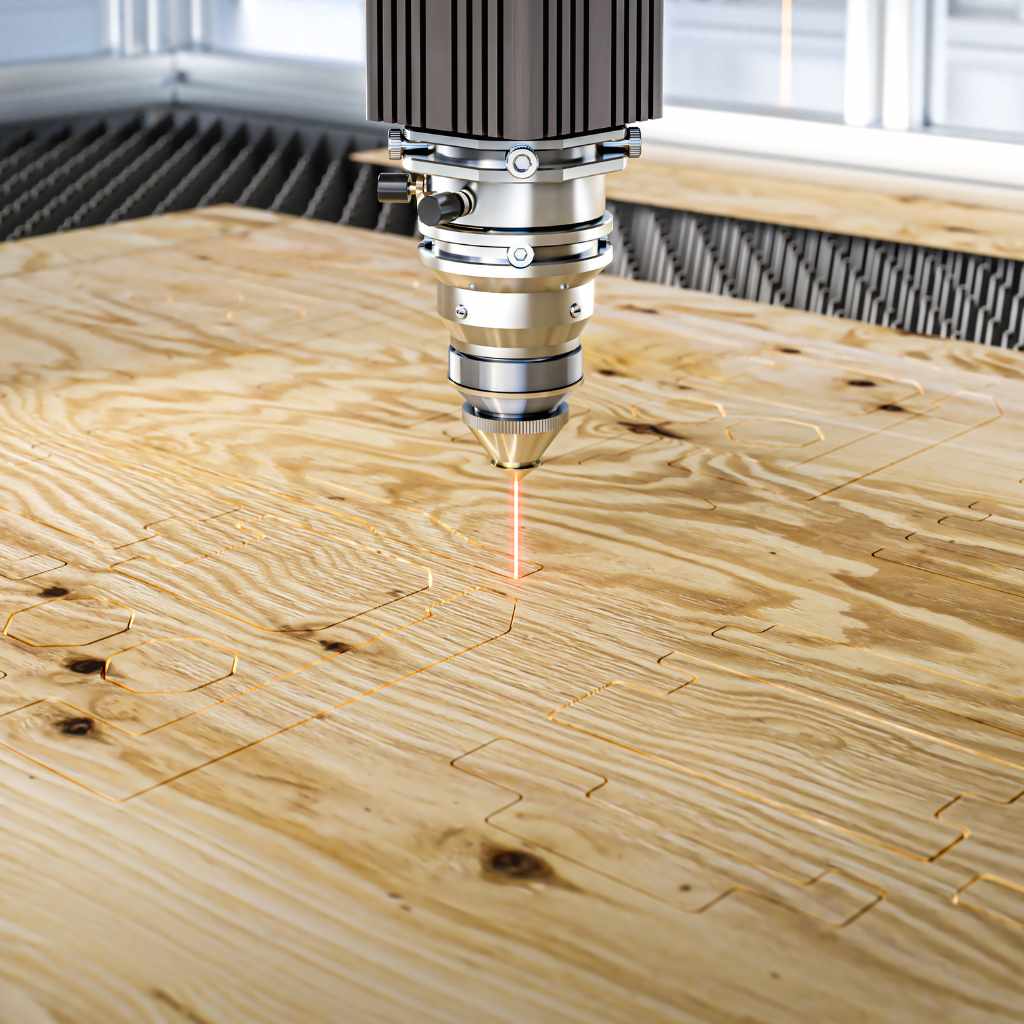
Best Budget CO2 Laser Cutter for Metal, Acrylic, Wood – STYLECNC
A typical laser cutter for wood looks like this— compact and user-friendly for home workshops.
Best Woods for Laser Cutting
Not all woods are equal when it comes to laser cutting. Softwoods are forgiving for beginners, while hardwoods offer durability but need more power.
Choose woods with even grains and low resin to avoid messy burns. Avoid treated lumber or those with chemicals, as they can release toxic fumes.
Here are some top picks:
- Basswood: Light and soft, cuts easily with minimal charring.
- Baltic Birch Plywood: Strong layers, great for detailed work.
- Alder: Smooth texture, engraves beautifully.
- Cherry: Rich color, but use lower speeds to prevent burning.
- Maple: Dense and consistent for clean edges.
For a full list, see this guide on best woods from xTool.
Let’s break it down in a table:
| Wood Type | Density | Best For | Pros | Cons |
|---|---|---|---|---|
| Basswood | Low | Engraving/Cutting | Easy to cut, light color contrast | Soft, may dent |
| Baltic Birch | Medium | Structural projects | Strong, even layers | Can have voids |
| Alder | Low-Medium | Decorative | Smooth, good engraving | Darkens over time |
| Cherry | Medium-High | Furniture accents | Beautiful finish | Prone to burning |
| Maple | High | Durable items | Clean cuts, strong | Requires higher power |

What’s the Best Wood for CO2 Laser Cutting and Engraving?
Visual examples of these woods help you see the grain and color differences.
Safety First: Important Precautions
Safety is key in any workshop, and laser cutting is no exception. The beam can cause burns, and fumes need proper handling. But with simple habits, you’ll stay safe.
Always work in a well-ventilated area. Use an exhaust system to pull smoke outside. Wear laser-specific goggles to protect your eyes—even scattered light can harm.
Never leave the machine running unattended. Fires can start if settings are off. Keep a CO2 fire extinguisher handy, not water-based.
Avoid cutting materials like PVC that release toxic gases. Stick to approved woods.
- Train yourself on the machine before use.
- Keep safety interlocks intact.
- Clean the cutter regularly to avoid buildup.
- Place the machine on a non-flammable surface.
For detailed guidelines, refer to laser cutter safety from the University of Wisconsin. Also, check OSHA’s laser safety resources for workplace standards.
Step-by-Step Guide to Laser Cutting Wood
Ready to cut? Follow these steps for success. I’ll keep it straightforward so you can follow along easily.
- Prepare Your Design: Use software like Inkscape to create or import a vector file. Set cut lines in red, engravings in black.
- Select and Prep Wood: Choose flat, dry wood. Clean the surface and secure it on the bed with tape if needed.
- Set Up the Machine: Focus the laser lens to the wood’s surface. Input your file into the control software.
- Adjust Settings: Start with low power and high speed. Test on scrap wood.
- Run the Cut: Start the job and watch closely. Pause if something looks off.
- Finish Up: Remove the piece, sand edges if charred, and apply finish for protection.
Practice on small pieces first. You’ll get the hang of it quickly!
Recommended Settings for Different Woods
Settings vary by machine and wood, but here’s a starting point. Always test and adjust.
For a 40W CO2 laser:
| Wood Type | Cutting Speed (mm/s) | Power (%) | Passes | Engraving Speed (mm/s) | Power (%) |
|---|---|---|---|---|---|
| Basswood (3mm) | 20-30 | 80-100 | 1 | 300-400 | 30-50 |
| Baltic Birch (3mm) | 15-25 | 90-100 | 1-2 | 250-350 | 40-60 |
| Alder (3mm) | 25-35 | 70-90 | 1 | 350-450 | 30-50 |
| Cherry (3mm) | 10-20 | 90-100 | 2 | 200-300 | 50-70 |
| Maple (3mm) | 10-15 | 100 | 2-3 | 200-250 | 60-80 |
These are based on common recommendations. Use air assist to reduce charring.
Beginner Projects to Try
Start with simple projects to build skills. They’re affordable and quick, perfect for gaining confidence.
- Coasters: Cut circles from plywood, engrave designs. Sand and seal.
- Keychains: Small shapes like animals or names. Easy to customize.
- Wall Art: Layered mandalas or signs. Stack cuts for depth.
- Bookmarks: Thin strips with patterns. Great for gifts.
- Ornaments: Holiday shapes from basswood. Hang them up!
These use basic cuts and engravings. For ideas, see Sculpteo’s laser cut wood projects.
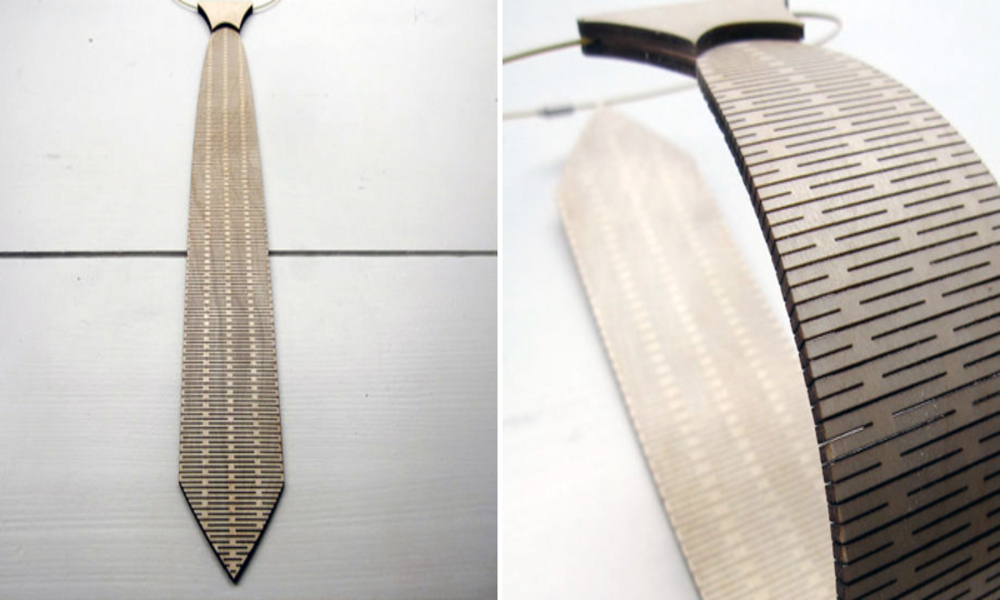
Check out these examples of beginner laser cut wood projects for inspiration.
Troubleshooting Common Issues
Running into problems? Here’s how to fix them.
- Charred Edges: Reduce power or increase speed. Use masking tape on the surface.
- Uneven Cuts: Check if wood is flat. Refocus the lens.
- Smoke Buildup: Improve ventilation or clean optics more often.
- Incomplete Cuts: Add passes or boost power slightly.
- Warping: Use drier wood or clamp it down.
Patience is key— tweak one thing at a time.
Frequently Asked Questions
What laser cutter is best for beginners?
A 40W CO2 model like the xTool D1 is affordable and easy to use for wood projects.
Can I laser cut any wood?
No, stick to untreated woods like basswood or birch. Avoid pressure-treated or resin-heavy types for safety.
How do I prevent fires?
Never leave the machine unattended, use air assist, and have a fire extinguisher ready.
What software should I use?
Start with free Inkscape for designs and LightBurn for controlling the cutter.
Is laser cutting wood expensive?
Not really— materials are cheap, and entry-level machines start under $500.
How thick can I cut wood?
With a 40W laser, up to 1/4 inch easily; thicker needs multiple passes or higher power.
Do I need special ventilation?
Yes, an exhaust fan or enclosure with filter to handle fumes safely.
Conclusion
Wrapping up, laser cutting wood opens up a world of creative possibilities for your DIY projects. From the basics of choosing materials to mastering settings and safety, you’ve got the tools to start confidently. Remember, every expert was a beginner once— so grab some scrap wood, fire up your laser, and experiment. You’ll be amazed at what you can create. If you hit a snag, revisit the steps or try a simple project first. Keep practicing, stay safe, and enjoy the satisfaction of crafting something unique. Happy woodworking!